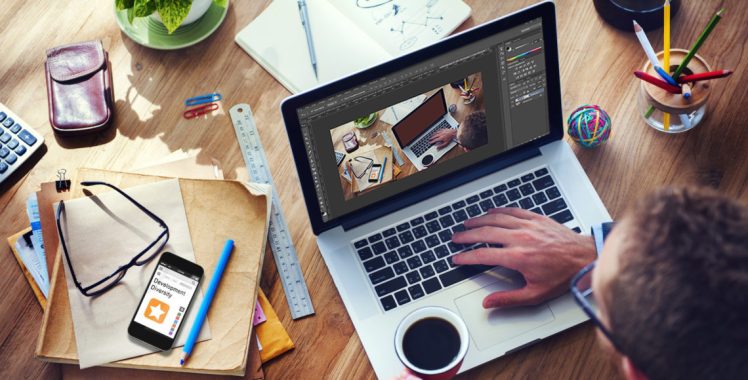
Graphic designers got a million things to worry about and Photoshop learning shouldn’t be one of them. Photoshop is the bread and butter all graphic designers feast upon. But Photoshop is a world within itself. It is so vast and intriguing. In this article we will talk about five most important essentials which will bring back memories of your graphic designing course.
Editing in Non-Destructive mode
Non-Destructive editing in Photoshop refers to the ability to change back to previous form or original form whenever you want. It is like a safeguard for designers. Non-Destructive editing gives you the flexibility to revert any changes which might not be suitable for the design. This is applicable for both web and graphic design.
Have your go to tools
You know the team of friends you have you go to for any or every problem in your life! Similarly have a home team of your favorite tools on Photoshop. This will give you. This is a very important rule every designer must remember. Your set of go to tools give you the opportunity to make any design correct. These tools are your favorite for a reason. You know how to use them in and out and in almost every kind of design. So whenever, you feel stuck these tools will rescue you no matter what. This skill is very important to learn if you want to make the most out of your web and graphic design courses.
All Keyboard shortcuts
As a graphic designer one thing you will crunch for is time. Tons of them will be taught to you in your graphic designing course. This is why know all the keyboard shortcuts and memorize them by heart. A few essential ones are:
- New layer with dialog box: [ Cmd + Shift + N ]
- New layer without dialog box: [ Cmd + Shift + Alt + N ]
- To create a new layer containing all visible layers: [ Cmd + Alt + Shift + E ]
Create shortcuts
Photoshop allows you to create your own shortcuts too. This way you do not have to rely on anybody. Create shortcuts that are easy to remember and those which speed up your work. To build shortcuts press [Ctrl + Alt + Shift + K] or go to [Edit | Keyboard Shortcuts].
Mastering the layers
A major difficulty a lot of designers face is tackling the layers. Find methods to manage more than 5-6 layers at a time without much confusion. Practice is the only key for this.







 Moople Animation
Leave a reply to Hi-Tech Animation Cancel reply